GenZ+
The IPTV player that remembers who is watching.
Free on Windows, Mac, iPhone, iPad, Android and TV. No ads, no subscription to us.
GenZ+ is a player, not a content provider. It does not host, sell or include any channels or films. You bring your own IPTV subscription and GenZ+ plays it.
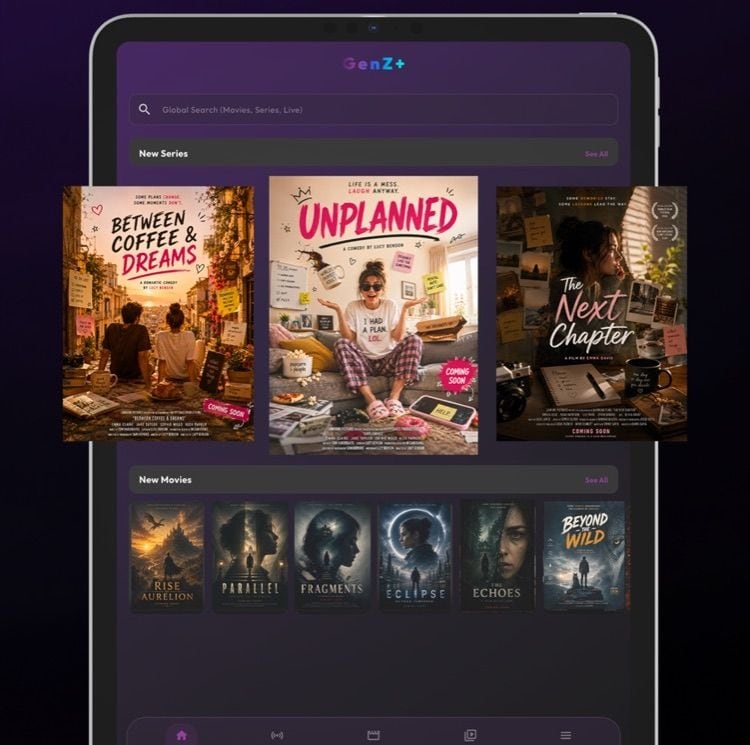
A playlist is not an app.
An IPTV subscription arrives as thousands of channels in one flat list. Everyone in the house shares the same favourites. You find something on your phone and start from nothing on the television. Half the players that promise to fix this are covered in advertising, and the other half want paying.
GenZ+ was built to be the app the subscription deserved.
Everyone in the house gets their own.
Create a profile for each person. Each one keeps its own favourites, its own history and its own suggestions, the way the streaming apps people already know work.
Your football stops burying their cartoons. Nobody has to scroll past somebody else’s taste to reach their own.
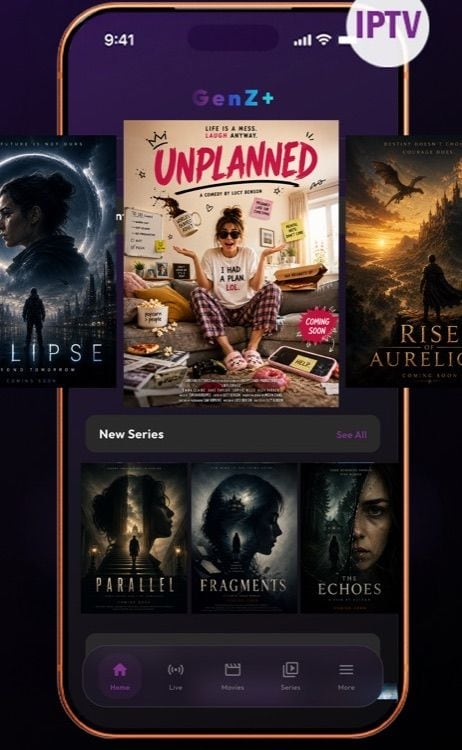
The longer you use it, the less you search.
GenZ+ pays attention to what each profile actually watches and puts more of it within reach. Open the app and what you are likely to want is already on the first screen, instead of somewhere inside a list of four thousand channels.
Pause on the phone. Finish on the TV.
Your profiles, favourites and watch history live with your account, not with one device. Sign in anywhere and everything is already there, including the thing you were halfway through.
Start a film on the train, open the television at home, and carry on from the same second.
- Windows
- Mac
- iPhone
- iPad
- Android
- TV
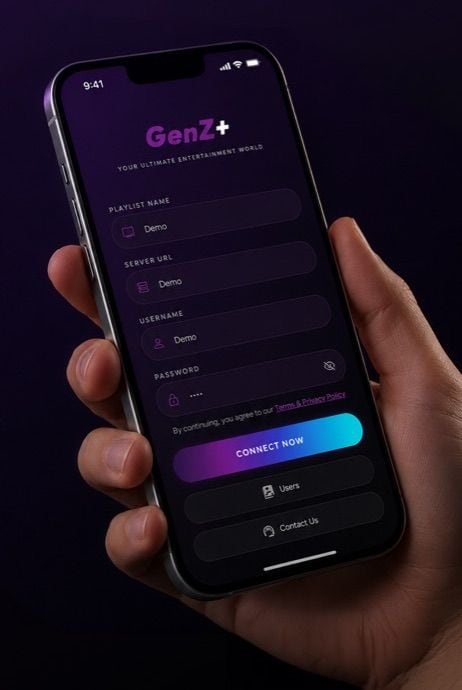
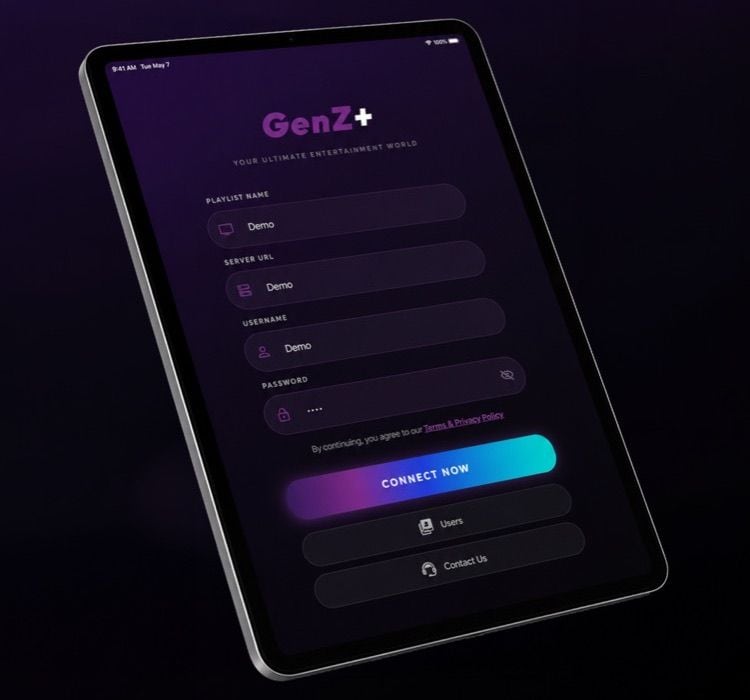
Point your phone at the screen. That is the whole thing.
Typing a server address, a username and a password with a remote control is the worst ten minutes in television. GenZ+ shows a QR code instead: scan it with your phone and the TV signs itself in.
No on-screen keyboard. No spelling a password one arrow key at a time.
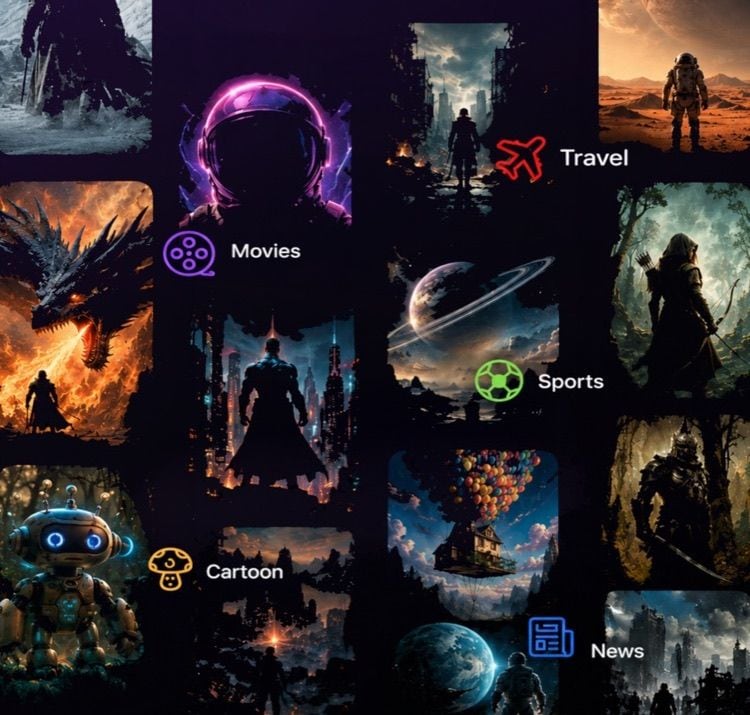
Live TV, Movies and Series, each in their own place.
Five tabs, and you always know which one you are in. Search runs across all of them at once, and Live TV arrives sorted into categories instead of one endless channel list.
- Home
- Live
- Movies
- Series
- More
Built for watching, not for troubleshooting.
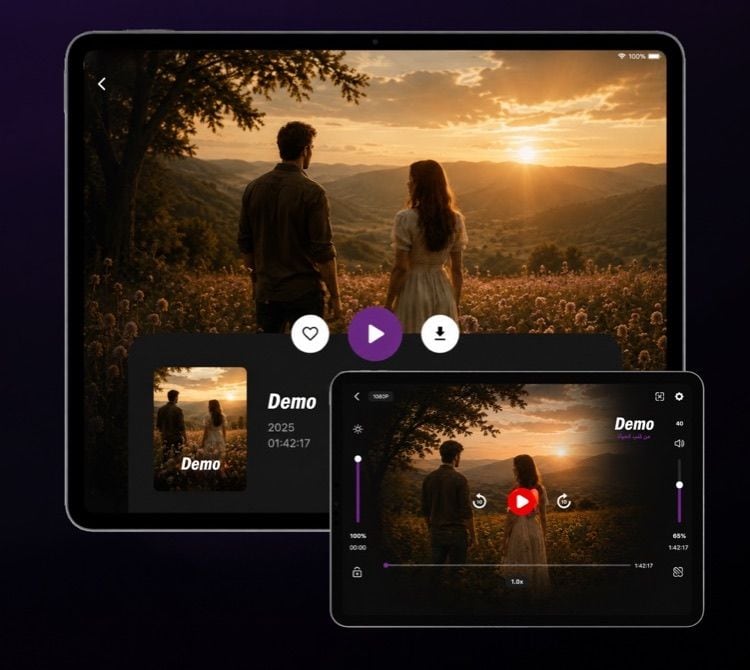
Brightness down one edge, volume down the other, and the controls you reach for sitting under the thumb already holding the device.
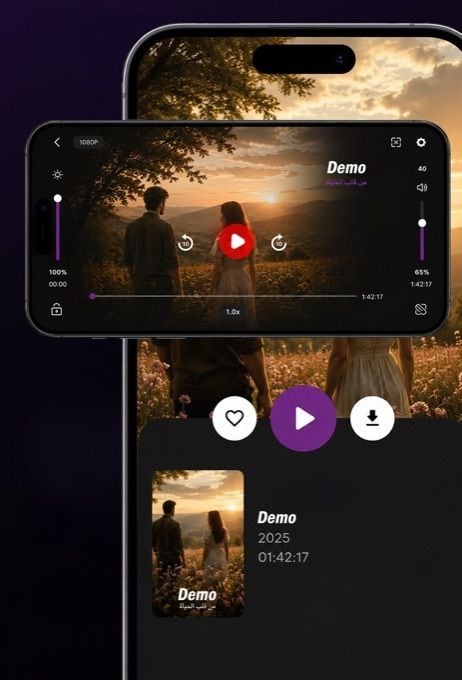
Volume and brightness
On screen, where your thumb already is.
Skip ten seconds
Either direction, without hunting for a scrubber.
Playback speed
Change it without leaving the picture.
Screen lock
No more pausing a film with your cheek.
Aspect ratio
Fit the picture to the screen you are on.
Quality
Shown plainly, so you know what you are getting.
No price, and nothing sold to you inside it.
GenZ+ costs nothing to download and nothing to keep using. There is no paid tier holding the good parts hostage, and there is no advertising anywhere in the app.
You already pay for your IPTV subscription. Paying a second time to watch it, or sitting through adverts to reach it, was never reasonable.
The details.
- Runs on
- Windows, Mac, iPhone, iPad, Android, TV
- Requires
- Windows, macOS, iOS, Android, Android TV
- Price
- Free
- Version
- , updated 20 November 2026
- Languages
- English, Arabic
- Category
- Entertainment
- Price
- Free, with no advertising
- Profiles
- A separate profile for each person
- Sync
- Watch history and favourites across every device
- TV sign-in
- Scan a QR code, no typing
- Content
- Bring your own IPTV subscription
- Made by
- Owl Vision
- Built by
- Owl Vision OPC.
Free. Install it and point it at your playlist.
Add your IPTV details once, create a profile for each person, and the app is ready on every device you sign in on.
GenZ+ is a player, not a content provider. It does not host, sell or include any channels or films. You bring your own IPTV subscription and GenZ+ plays it.
GenZ+ does not sell IPTV subscriptions and is not affiliated with any provider. Where you buy your service is your own business.